Every stage of a renovation feeds one record of what it cost.
Plan it
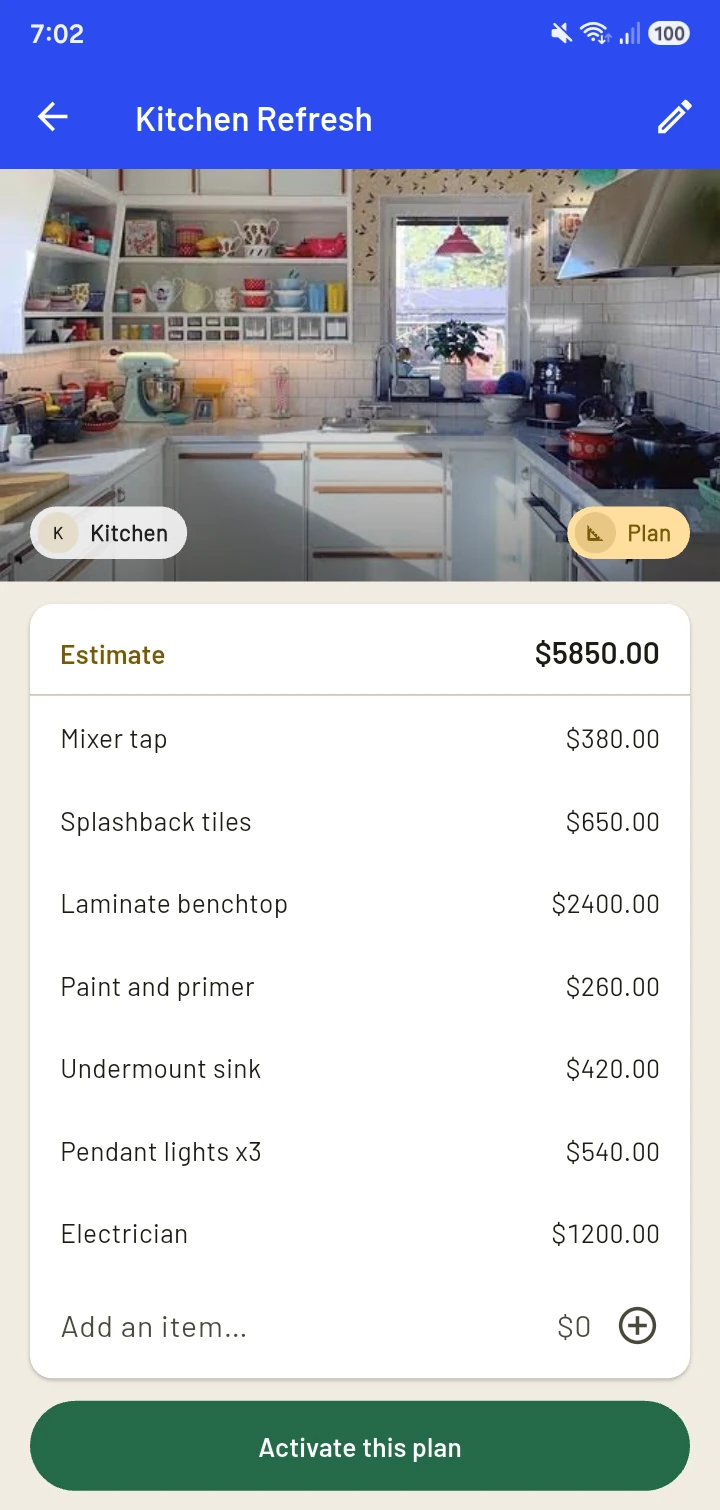
Know the likely cost first.
Create a project and list what it might need, with rough amounts. Estimates never count in your spending totals.
Get ready to buy
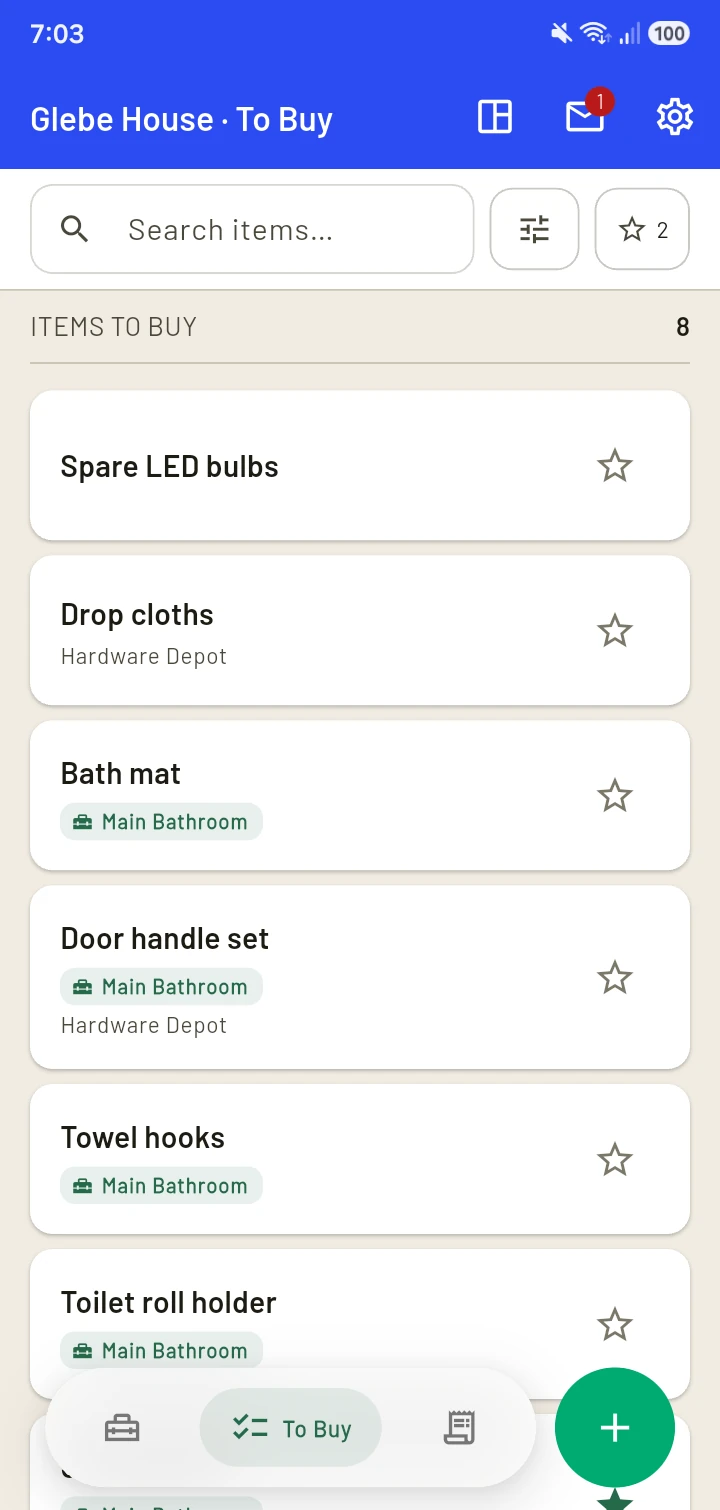
Never forget what you need.
Activate the plan and tick what you're ready to buy. Those items move to your To Buy list, one list across your active projects. Star the important ones.
Buy and record
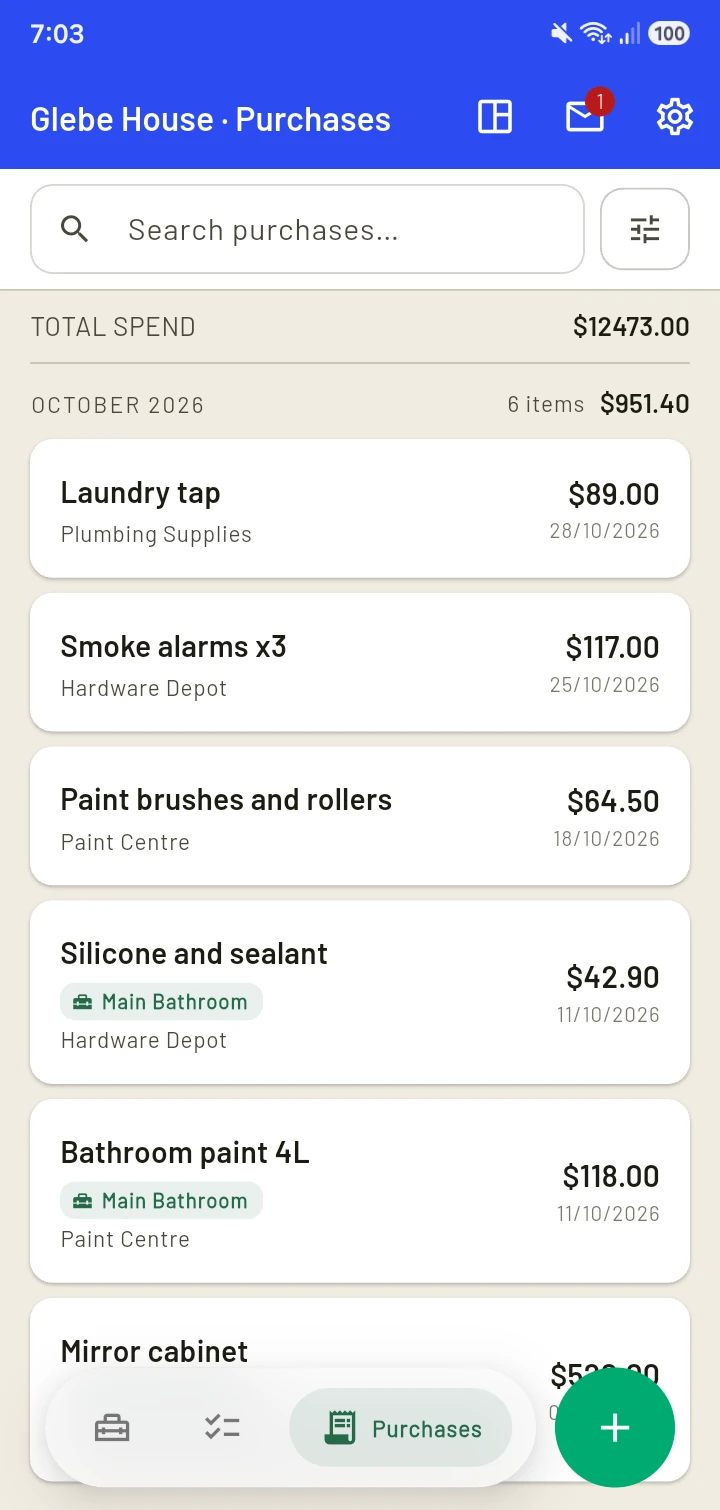
A record of what you spent.
Mark items as bought, or add a purchase directly, then link it to a project.
See the result
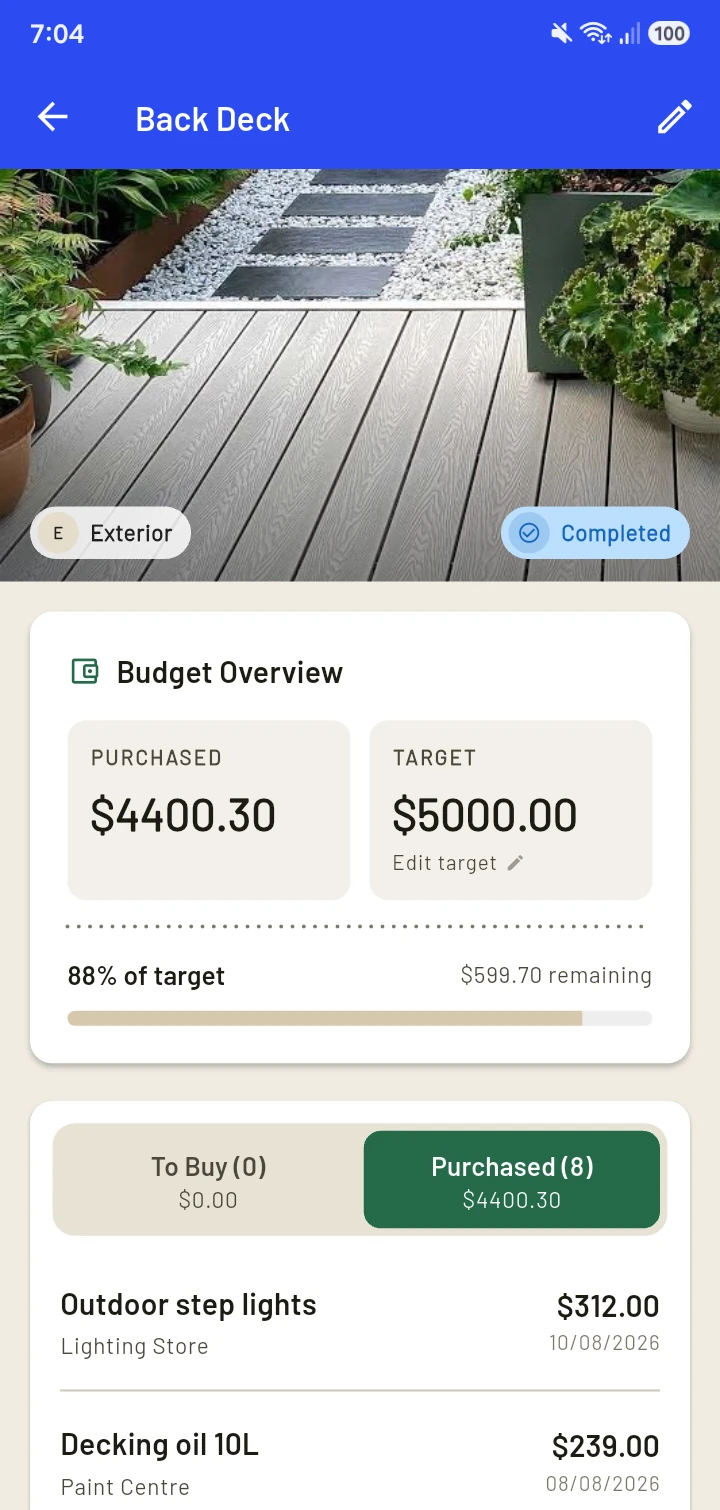
See what each project really cost.
Mark a project Completed and keep its final cost, a lasting record from plan to finish.
Reports
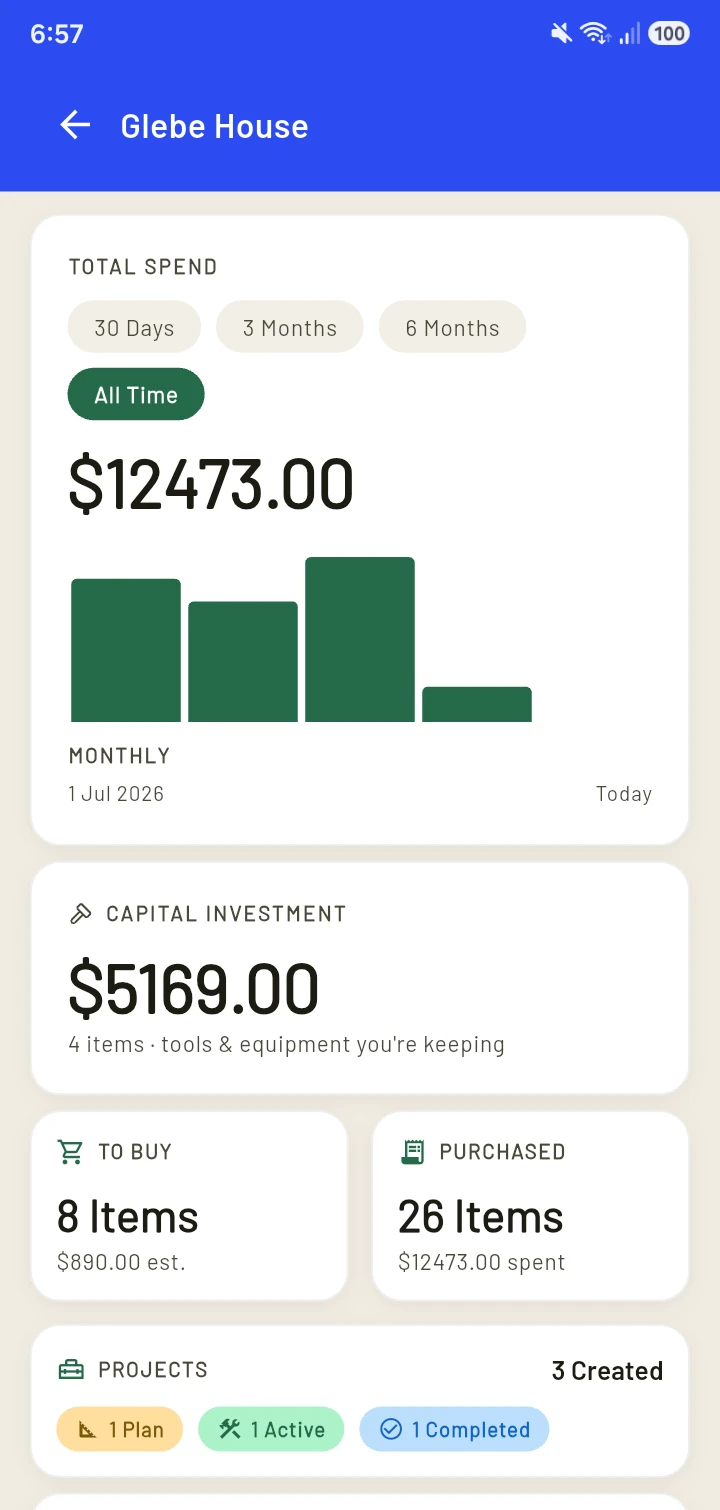
See where the money went.
Your total spend, broken down by area and by supplier. Tap a breakdown to see more detail.
AI receipts
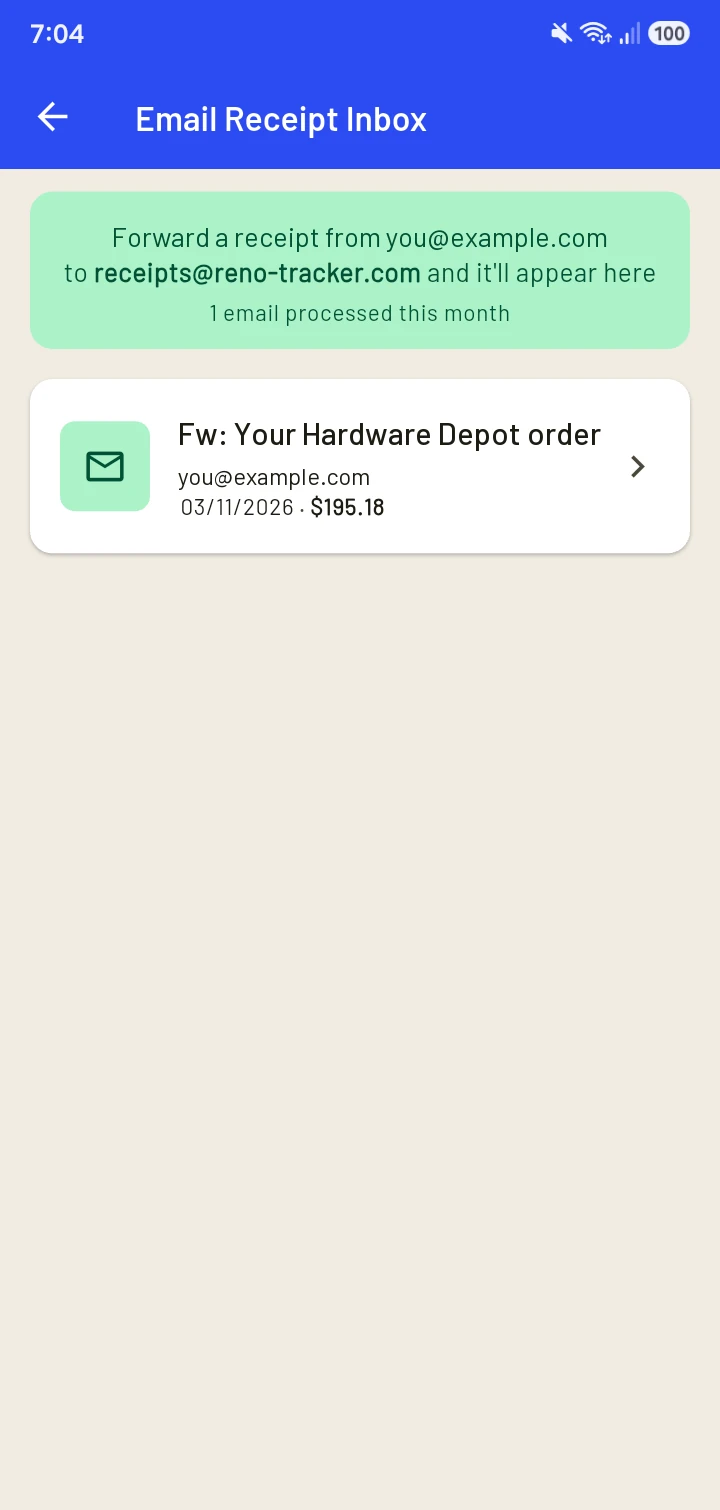
Less typing, and you stay in control.
Forward an email receipt from the address you sign in with, or scan a paper one. AI fills in the details for you to check before saving.
Features
The rest of what's in the app.
Cloud sync and backup
Saves on your phone first, then backs up in the background. Sign in on a new phone to restore your records.
Export
Export purchases as a CSV file, handy for a partner, an accountant or a spreadsheet.
Suppliers and Areas
Quick picks for stores and rooms. Common areas are already filled in, and you can add more from any form.
Dark mode
Switch it on in Settings, and choose your date format too.
Biometric Lock
Asks for your fingerprint or face to open the app.
Your currency
Choose the currency symbol that suits your renovation, and see your costs displayed consistently.